BUYING GUIDE
Motion or presence sensor: which keeps the lights on?
PIR motion detection and radar presence detection suit different rooms. Power, placement and the automation matter as much as the sensor.
As an Amazon Associate, Smart Home Paradise earns from qualifying purchases. How our links work
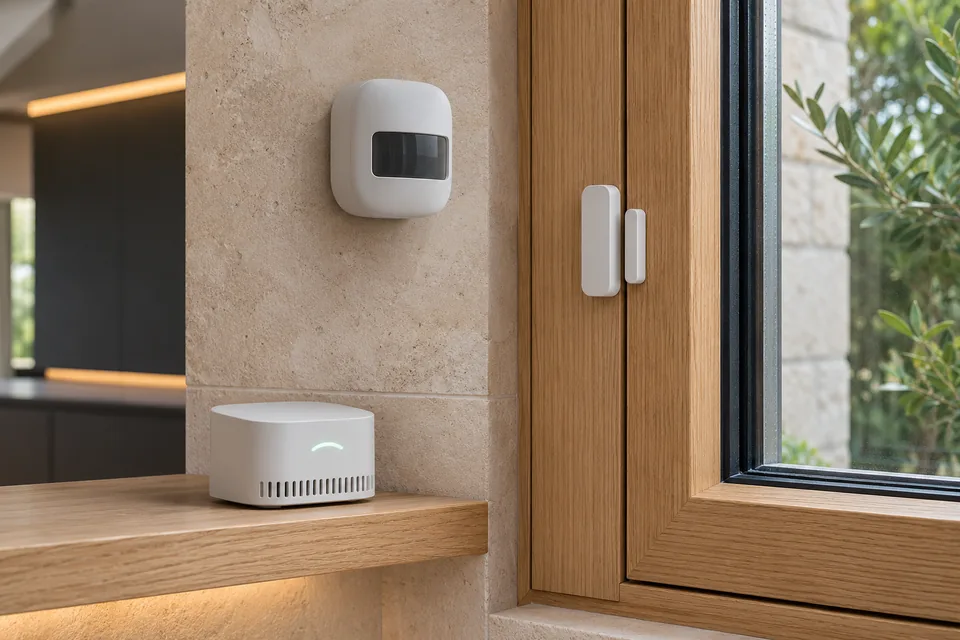
Use a motion sensor for people passing through a hallway. Consider a radar presence sensor for a room where someone sits relatively still. A presence sensor needs careful placement and tuning; it is not a universal cure for a poorly designed lighting automation.
Match the event to the room
A PIR detector responds to relevant movement through its field of view. It is a useful trigger for a passage or cupboard, but a person reading quietly may not produce the movement the automation expects. A radar-based sensor can detect subtler activity and support room zones, depending on the model. Placement, reflections and moving objects still matter.
| Use | Start with | Plan for |
|---|---|---|
| Hallway passage | PIR motion sensor | Detection angle and sensible timeout |
| Desk or reading area | Radar presence sensor | Continuous power and zone tuning |
| Door open/closed | Contact sensor | Magnet alignment |
| Water on the floor | Leak sensor | Alert delivery and a separate shutoff plan |
FP2 and Eve Motion solve different jobs
The Aqara FP2 uses mmWave radar, Wi-Fi and continuous USB power. It is not a small battery PIR sensor and does not need an Aqara Zigbee hub for its Wi-Fi connection. Check its supported platform path and the manufacturer’s room-mapping instructions.
The selected Eve Motion is a Matter-over-Thread PIR sensor. It needs a compatible Matter controller and Thread border router. It is useful where a battery-powered motion/light sensor fits the job, but buying it does not turn motion sensing into radar presence detection.
The hub mismatch to avoid
The Aqara Door and Window Sensor P2 uses Matter over Thread. It is different from older Aqara Zigbee contact sensors. The selected Tapo T300 uses Tapo’s sub-GHz connection to a compatible hub; it is not a direct Wi-Fi or Zigbee sensor. These differences change what you must buy alongside the sensor.
A SwitchBot Motion Sensor uses the SwitchBot Bluetooth system. Remote or Matter-bridged operation requires the appropriate compatible hub. The original Hub Mini and a Matter-capable Hub Mini are not interchangeable names.
Design the automation before mounting anything
For hallway lighting, decide when the trigger should be active, how long the light stays on and whether daylight should suppress it. For a desk, test whether the person remains detected while reading, typing and leaning back. Keep a manual override accessible. An automation that repeatedly turns off occupied-room lighting needs its logic reviewed, not simply a shorter timeout.
For a leak sensor, test notifications and the audible alert according to the instructions. Detection does not shut the water off unless a separate compatible valve and verified automation are installed. A contact sensor likewise reports state; it does not mechanically secure a door.
Start with one room
Temporarily position the sensor and observe ordinary use before final mounting. Test entrances, seated positions and the empty room. Then adjust zones or timeouts. Our sensor catalogue shows the connection requirements beside each exact model, while the compatibility finder helps check the platform path.
Frequently asked questions
Is the Aqara FP2 a battery sensor?
No. The selected FP2 is a continuously USB-powered mmWave presence sensor with Wi-Fi.
Will a Tapo T300 automatically stop a leak?
No. It detects water and provides supported alerts through its system. Automatic shutoff requires separate compatible equipment and a verified automation.
Sources and method
Manufacturer documentation reviewed on 15 November 2026. This is a documented buying guide, not a physical product test. Merchant prices and availability can change.